Build a Printable Guitar Songbook for Your Music Stand Binder
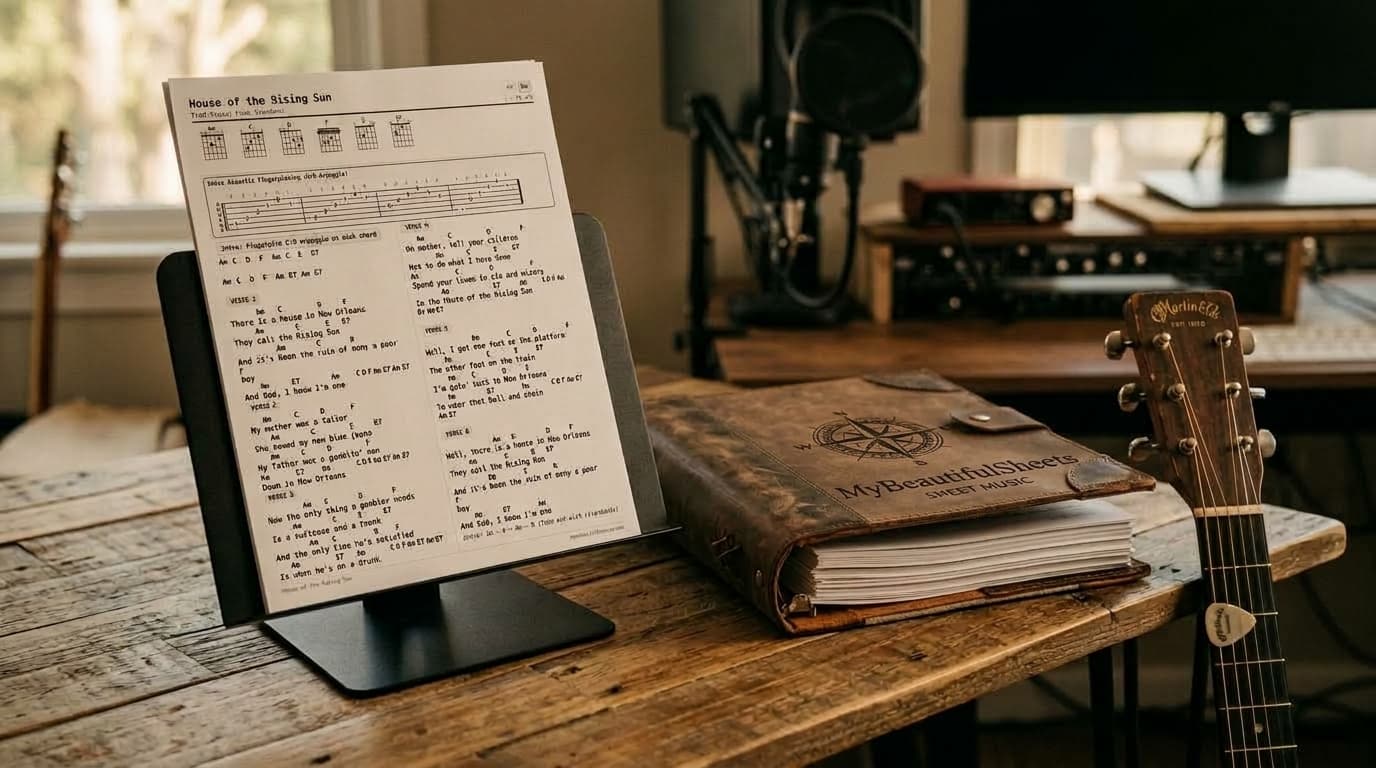
Replace your messy stack of mismatched 4-page web printouts and coffee-stained handwritten notes with a unified, publication-grade songbook. Format every song to fit on one page, organize custom gig and lesson collections, share with bandmates, and back up every sheet to Google Drive.
Why Gigging Musicians & Teachers Love a Real Songbook Binder
Tablets glare in the sun, run out of battery, and require $70/year subscriptions. Paper just works—when every sheet is formatted properly.
One Song Per Page (Or 2-Page Spread)
Slip single-page songs into plastic sheet protectors, or place longer arrangements face-to-face across a two-page binder spread so you never flip a page while strumming.
5 Cohesive Engraving Themes
Choose between Clean Modern, Vintage Real-Book, High-Contrast Stage, Artsy Handwritten, or Playful Studio so every song in your binder shares one visual identity.
Duplex Ready: Song Front, Notes Back
Keep the playable 1-page chord chart on Page 1 and place lesson notes, scale exercises, or timestamped YouTube links on Page 2 for double-sided printing.
Organize Setlists, Share with Bandmates & Sync to Google Drive
Your digital library stays just as organized as your physical 3-ring binder.
Custom Songbook Folders
Group your repertoire into separate songbooks—like Friday Acoustic Gig, Campfire Singalongs, or Fingerstyle Practice—and assign a single song to multiple books without duplicating files.
Collaborative & Shared Songbooks
Share a songbook with bandmates or students by email. They can view your exact arrangement in Read-Only Stage Mode or copy a song into their own library to transpose keys and capo positions.
Own Your Files on Google Drive
Export clean vector PDFs and standard ChordPro (.cho) files straight to your own Google Drive so your songbook is backed up forever.