Make a Printable Guitar Chord Sheet That Fits on One Page
Stop fighting 4-page web printouts, Courier New spacebar hacks in Word, and awkward 2-line spills onto page two. Paste your chords and lyrics, auto-fit the entire song onto a single US Letter or A4 sheet, and print publication-grade charts for your music stand.
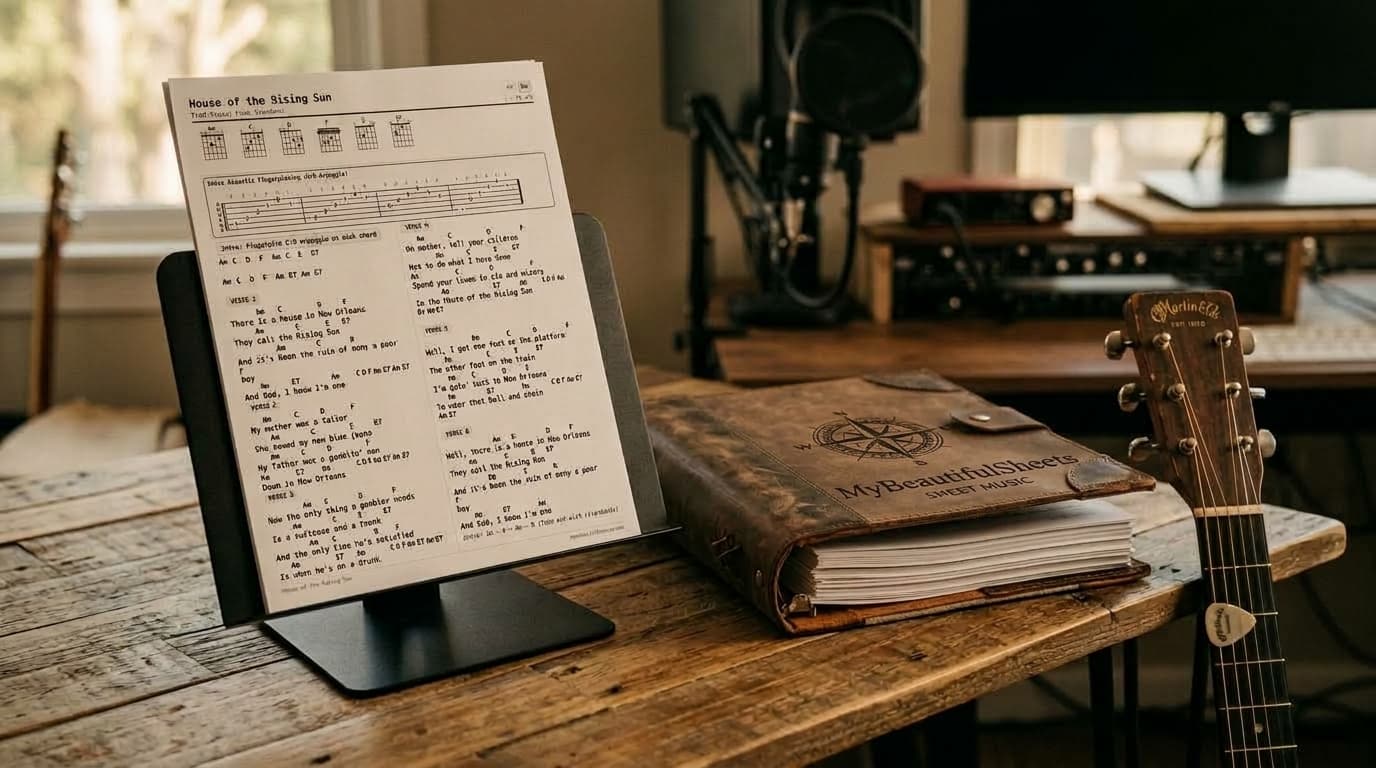
Why Printing Chords from the Web or Word Always Fails
When both of your hands are on the guitar neck, turning pages mid-song is not an option.
Multi-Page Printouts & Orphan Lines
Printing directly from chord sites dumps a narrow column of text down the left side of three pages—leaving 60% of the paper blank and spilling the final two lines of the outro onto an extra page.
Broken Spacebar Alignment in Word
Typing spaces above lyrics in Google Docs or Word breaks the moment you change the font size or switch computers. Proportional fonts shift your chords onto the wrong words.
Missing Voicings & Intro Riffs
Plain text sheets omit the exact chord fingerings, strumming rhythms, and signature intro riffs that make an acoustic arrangement actually sound like the record.
From a Messy 3-Page Web Tab to One Crisp Sheet
[Verse 1]
      Am        C          D            F
There is a house in New Orleans
     Am       C        E     E7
They call the Rising Sun
         Am       C       D           F
And it's been the ruin of many a poor boy
    Am     E7       Am
And God, I know I'm one

(Spills across 3 single-column pages with
tiny Courier text and no chord diagrams...)
× Forces page turns mid-song • Chords drift if resized • No fret diagrams
Proportional serif or sans-serif lyrics with chords locked directly over each syllable.
Balanced second column with intro fingerpicking tab and zero orphan lines.
✓ Entire song on 1 page • Vector SVG chord boxes • Instant key transposition
How It Works in 3 Simple Steps
Go from a raw copy-paste to a binder-ready sheet in under 30 seconds.
1. Paste Chords + Lyrics
Paste standard two-line chords and lyrics from any tab site, Word document, or ChordPro file. The auto-cleaner formats sections and aligns chords automatically.
2. Auto-Fit & Customize
Fit your song onto a single page with 1- or 2-column layouts, choose from 5 engraving themes, transpose guitar chords or add a capo, and toggle vector fretboard diagrams.
3. Print or Save to Songbook
Print crisp US Letter or A4 sheets, export vector PDFs, or organize your sheets inside our Printable Guitar Songbook Maker with Google Drive backup.
Automatically tunes column breaks, font scale, and line density so your song never spills two awkward lines onto a second page.
Renders razor-sharp SVG guitar chord boxes, custom chord voicings, strumming grids, and fingerpicking tab blocks.
Strict print CSS ensures what you see on screen is the exact sheet that comes out of your printer—with hole-punch safe margins.